How to setup the integration between 24SevenOffice and BDO’s data warehouse. You only need to do these steps once.
For clients with access to User administration:
- Click on "Users".
- Click on "External user".
- Enter "audit_integration_24SO@bdo.no" and click on "+".
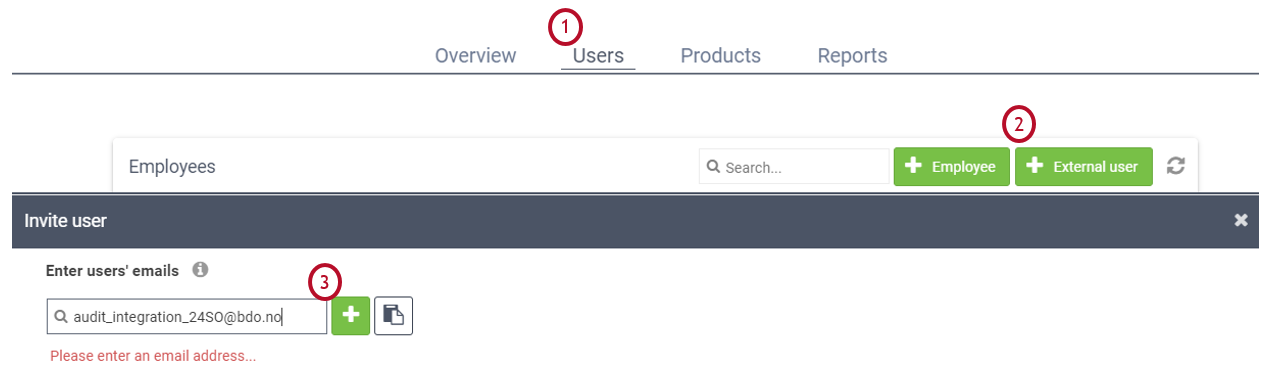
- Choose "Auditor".
- Click on "Next".
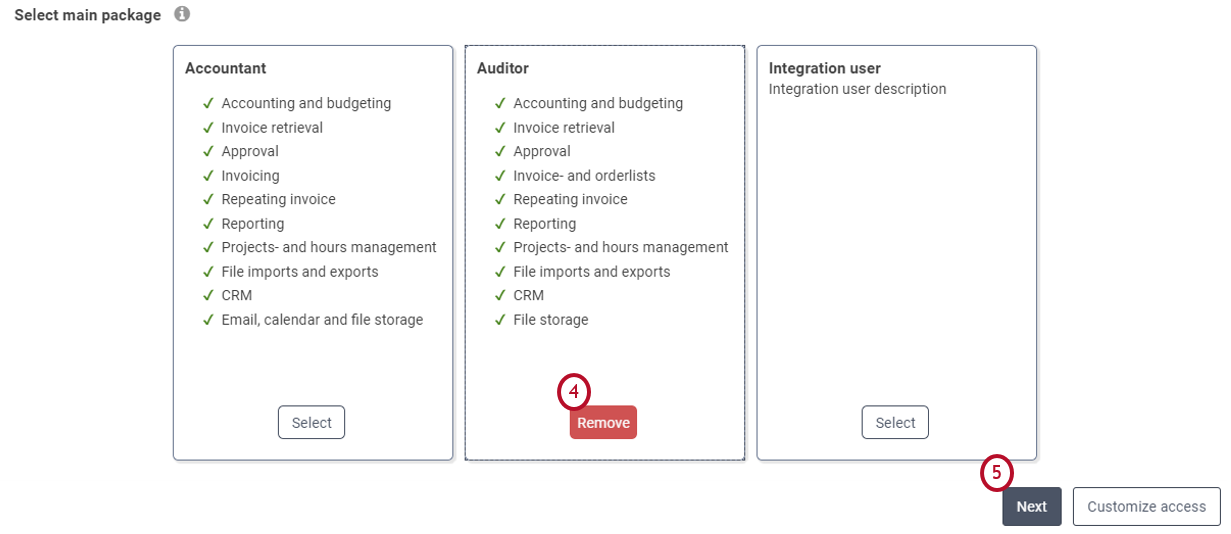
- Click on "Invite".

Afterwards BDO will receive a noticfication that we have to accept.
For clients without access to client administration
To establish the integration, we need you to send us the following information:
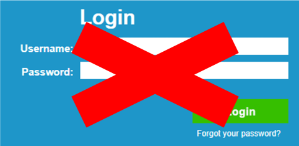
The login information (username and password) for the company’s business account. We need the business account login information to connect the company to our 24SevenOffice integration account. The business account is the company’s main user and it is used to connect the company to a personal user. You are not supposed to send us the personal login information for someone in your company.
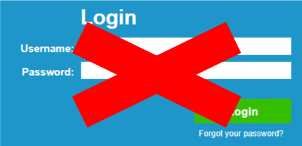
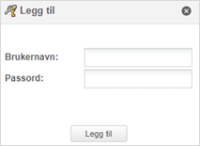
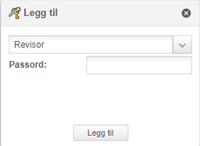
Password for the audit user account. We need the password used to connect the audit role to the company the first time the audit account is used, and not the auditor’s personal sign in information.
Save the business account sign in information and the password for the audit account in a document. Attach the file in the window below, type in your e-mail address and click “Send”.